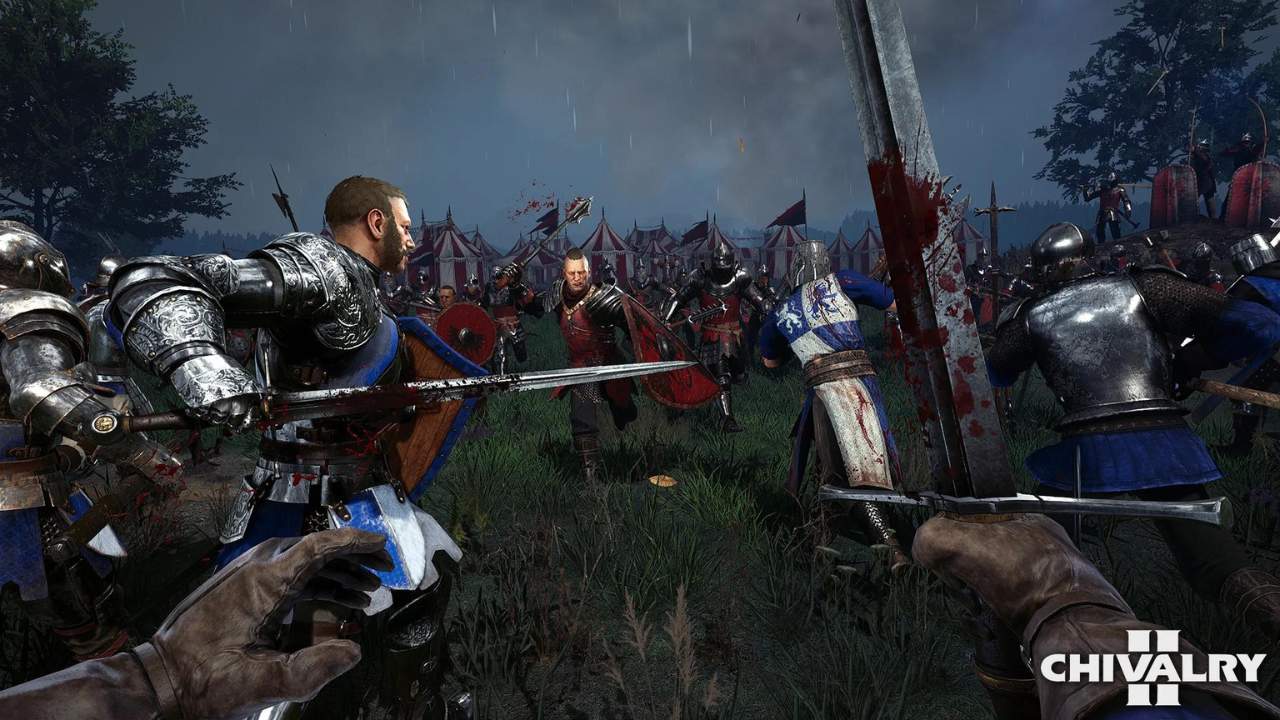
Short answer: yes. Chivalry 2’s multiplayer is fully crossplay, and it is one of the few games where the feature has just worked since launch. My partner mains it on PC while his friends play on different platforms, PlayStation and Xbox, and getting them into the same match takes about a minute once you know where the invite code lives; the community is spread across every system and the game does not care. Here is the current state of cross-platform play and the exact steps to party up.
Is Chivalry 2 Crossplay?
For the wider picture, our look at gaming trends shows where gaming is headed.
Yes. Chivalry 2 supports full crossplay across PC (both Steam and Epic Games Store), PlayStation 4, PlayStation 5, Xbox One, and Xbox Series X|S. Chivalry 2 is available on PC, PlayStation, and Xbox, and crossplay is available everywhere the game is. It launched on consoles with cross-play at launch, and matchmaking has pooled every platform together since, which keeps queue times fast and the 64-player multiplayer battlefields full of knights in epic medieval fights.
There is no toggle hunt and nothing you need to flip first: crossplay is currently on out of the box, and the developers have kept it that way. The only thing that does not travel between systems is your progress, and we will get to that below.
How to Play With Friends on Different Platforms
Cross-platform parties work through the newer invite-code features in the Social menu rather than your platform’s own friends list; it is the fastest way to party up. Do the steps in order as written; CharlieIntel’s guide confirms the same flow:
- Launch Chivalry 2 and make sure the game is updated on both ends; different versions cannot connect.
- Select the Social menu at the bottom right corner of the main screen.
- Click Your Invite Code. The game shows a short code unique to your account.
- Share the code with your friend over Discord, text, wherever.
- They enter it under Add Friend in their own Social menu, whatever platform they are on.
- Accept the request, create a party, invite them, and queue. You will land in the same match, same team.
Playing with a partner? Our list of fun online games to play together is perfect.
You only need to share an invite code once per friend: after that they sit in your in-game friends list permanently, and forming new parties takes no time at all.
Cross-Progression and Other Limits
The one real gap in Chivalry 2’s cross-platform features is progression. There is no cross-progression to date, and the developers have not announced plans to add it: your level, unlocks, and gold are saved on the platform where you earned them, and that progress data does not follow you to a different system. If you plan to make a permanent platform move, expect a new grind from level 1. What travels and what stays:
- Crossplay matches and parties: work everywhere, on by default.
- Voice chat: works across platforms inside a party.
- Levels, unlocks, and gold: locked to the platform that earned them; progress does not transfer.
Matches include players from every system, and performance is even across the board; nobody gets an input-method advantage in a game where everyone is swinging a sword instead of aiming a gun, which is exactly why crossplay suits games like this so well.
If the medieval theme is what pulled you in, the word itself has a story; we cover it in our guide to the meaning of chivalry. Otherwise, share your invite code, rally your knights, and we will see you in the next siege.